your studio is the content. dropcut edits it.
Drop in your face cam and your DAW screen recording. Get a finished Reel that follows the playhead and hits on the drop. Pick your effects, add your text. No CapCut, no Premiere, no resizing anything.
Free early access. No card, no spam.
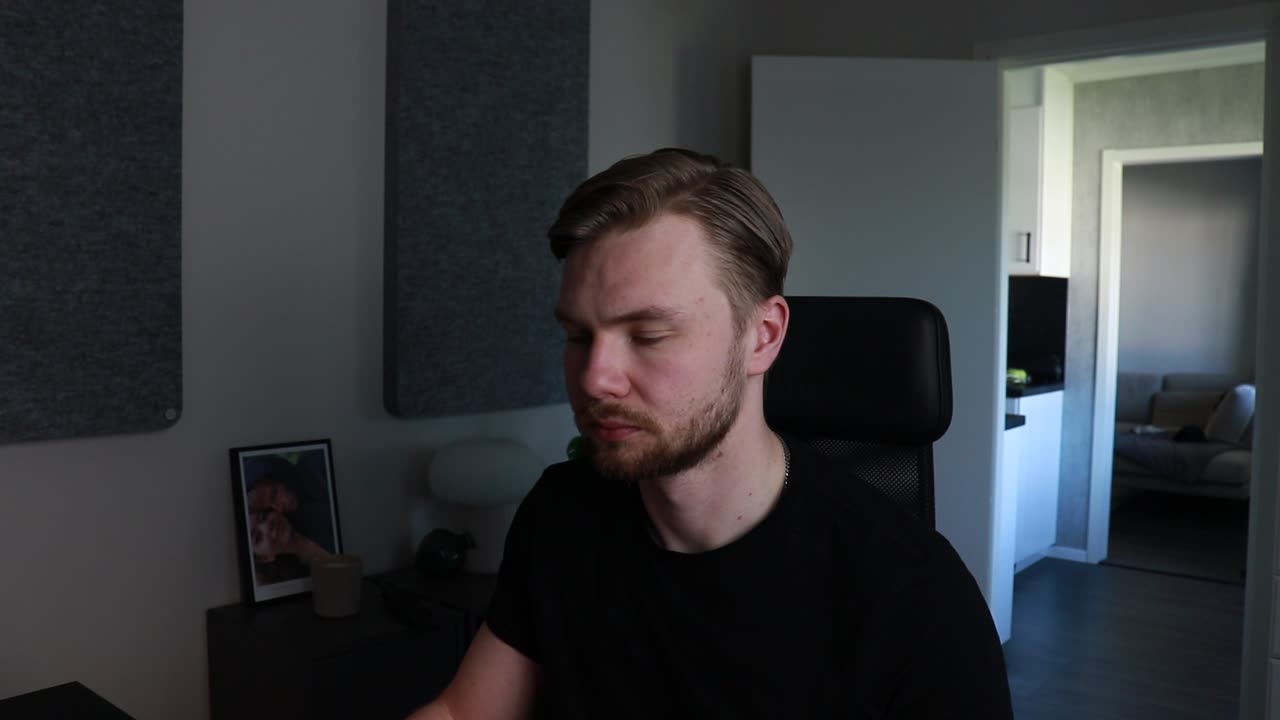
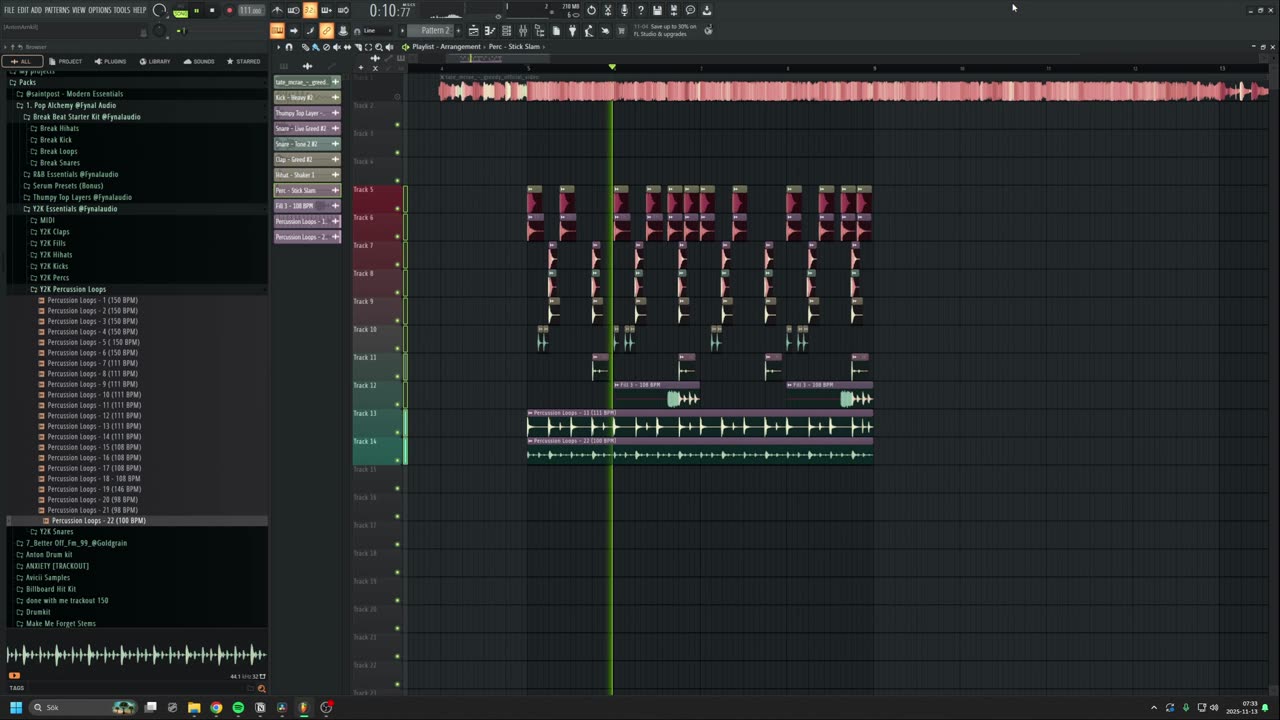
follows the playhead. no keyframes.
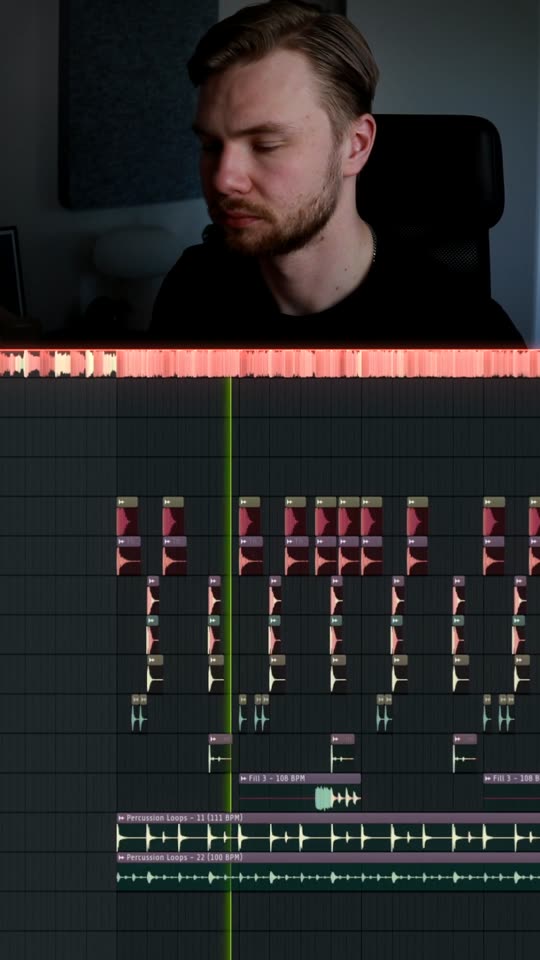
dropcut finds the playhead in your DAW and zooms in on the part that's playing, gliding along as the track moves. Your clips fill the frame instead of a whole desktop.
every hit lands on the drop.
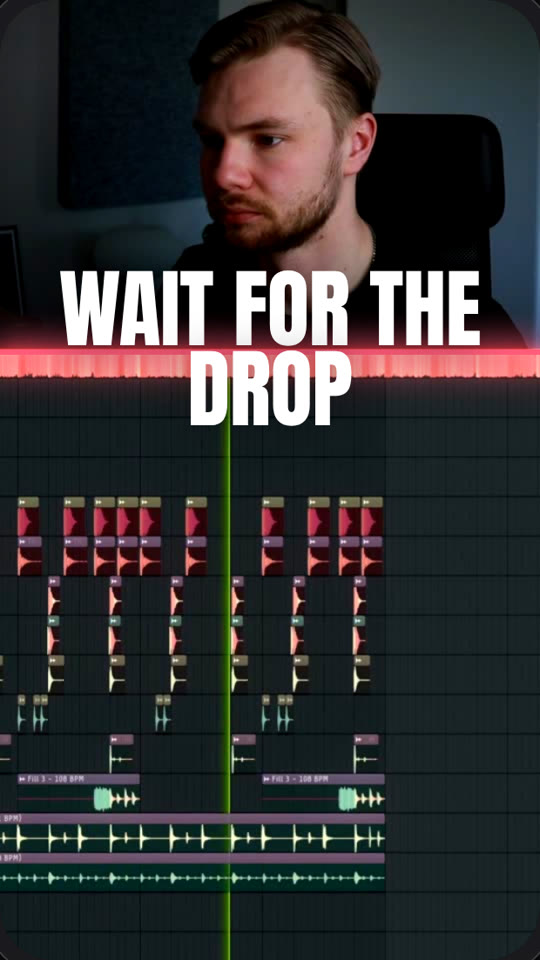
It listens to your track, finds the build and the drop, and hits it: a flash, a punch-in, a shake, then a cut to full-screen DAW before it snaps back.
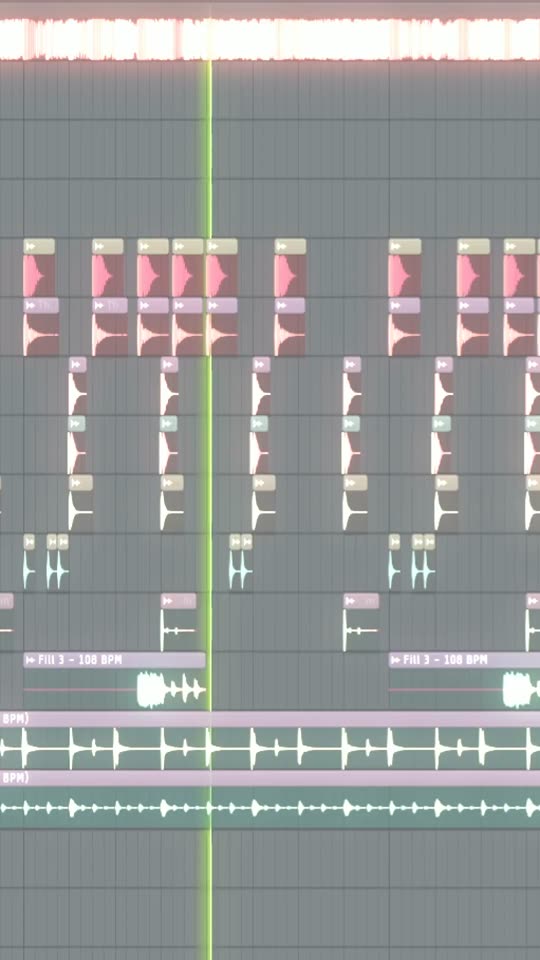 flash
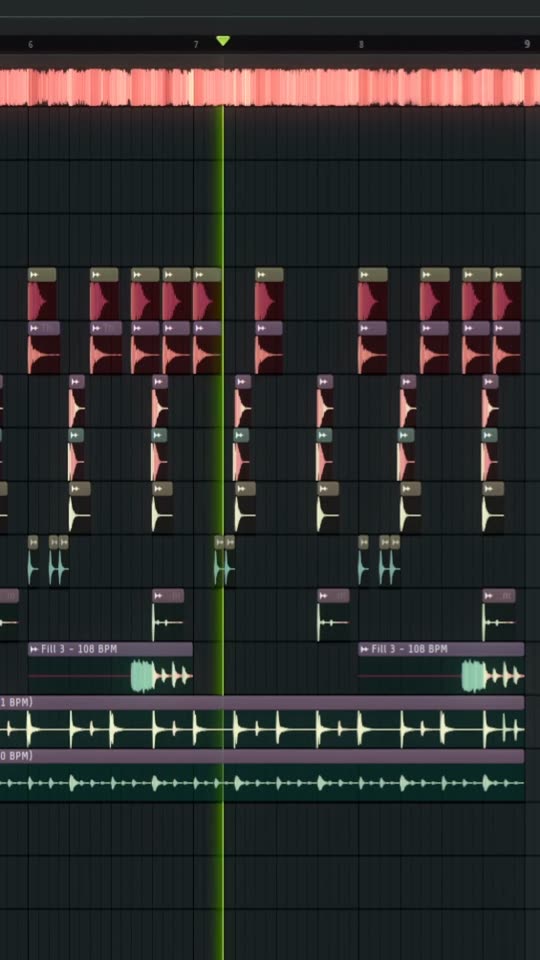 punch + shake
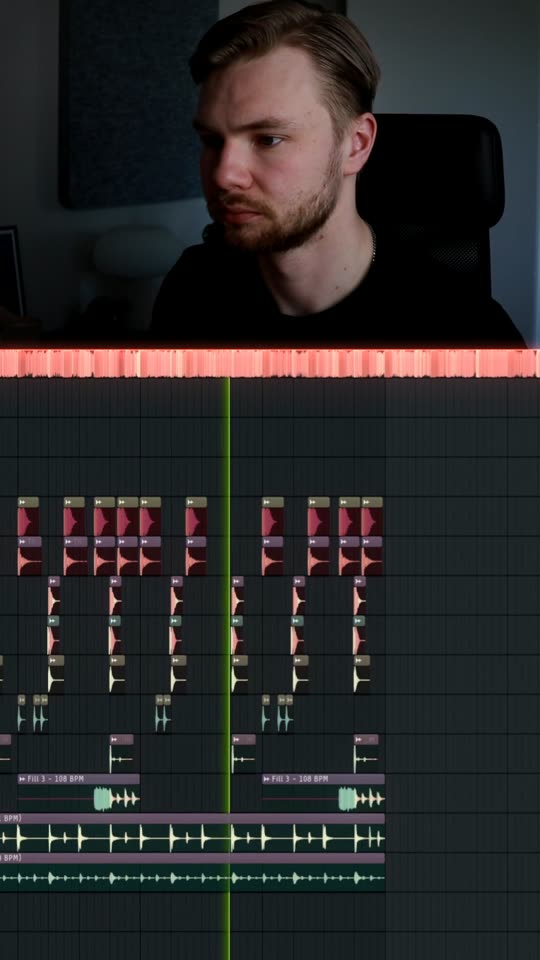 snap back
glow that pulses with your kick.
Your DAW's colours bloom, and a glowing divider picks up the colour of your clips and pulses on every kick. Your face is found, framed and graded to sit right on top.
pick the effects. write the text.
This is where you'll work. Your two clips are synced, the drop is found, and you choose how it looks. Click around, it works.
An early look at the editor. The preview runs at 111 BPM; in dropcut the effects follow your real track.
same session. six different reels.
One recording becomes a week of posts. Change the text, the type style and the effects, and render again.
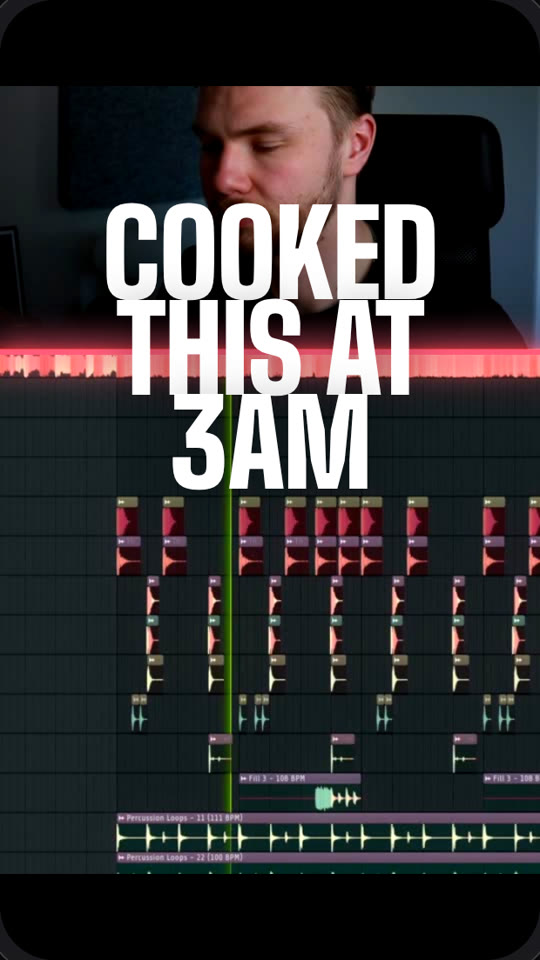
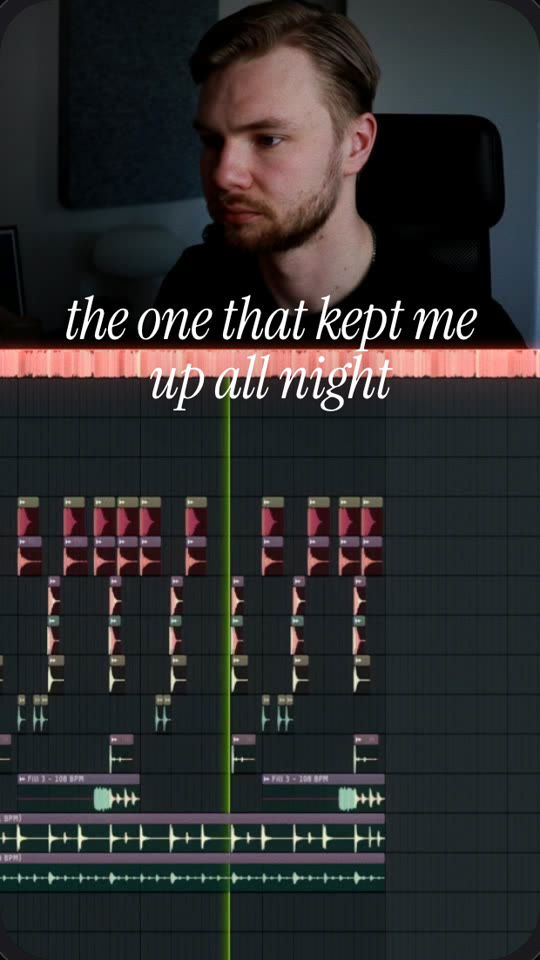
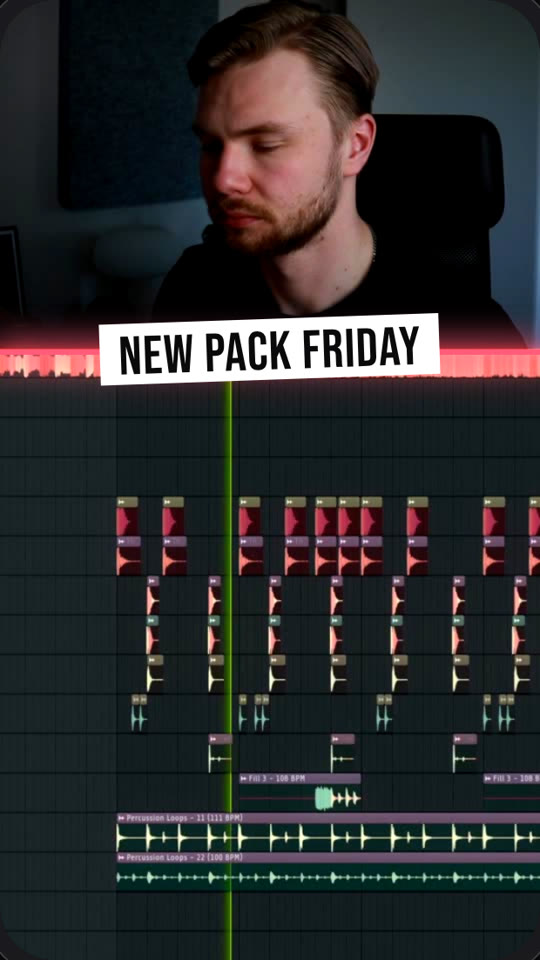
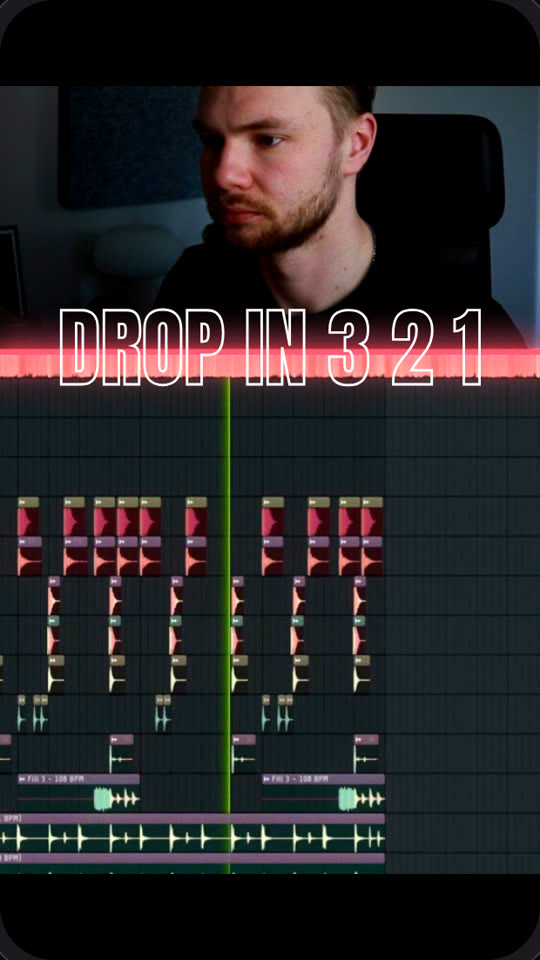
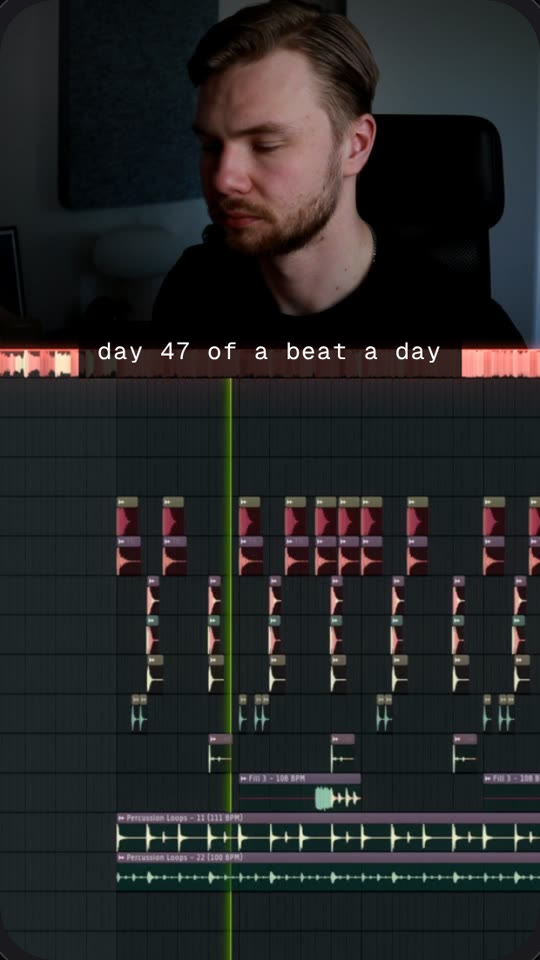

“I make this kind of content for my own sample packs. Lining up the face cam, the screen and the zooms in Premiere took me hours per video. dropcut does it from two clips.”Anton, producer and founder of Fynal Audio
get your first reels before anyone else.
You're on the dropcut waitlist. We'll email you when your early access is ready.
before you join.
What do I need to record?
Two clips: your face from a camera or phone, and a screen recording of your DAW while the track plays. Record them at the same time with the track's audio in the screen recording, and dropcut lines them up for you.
Which DAWs work?
It's built and tested on FL Studio first. Ableton Live and Logic Pro are next. Tell us which one you use when you join, it decides what we build next.
What does it cost?
Early access is free. People on the waitlist hear about pricing first.
Do I own the videos?
Yes. It's your face, your screen and your music. dropcut only does the editing.